
Matching the opener to your door
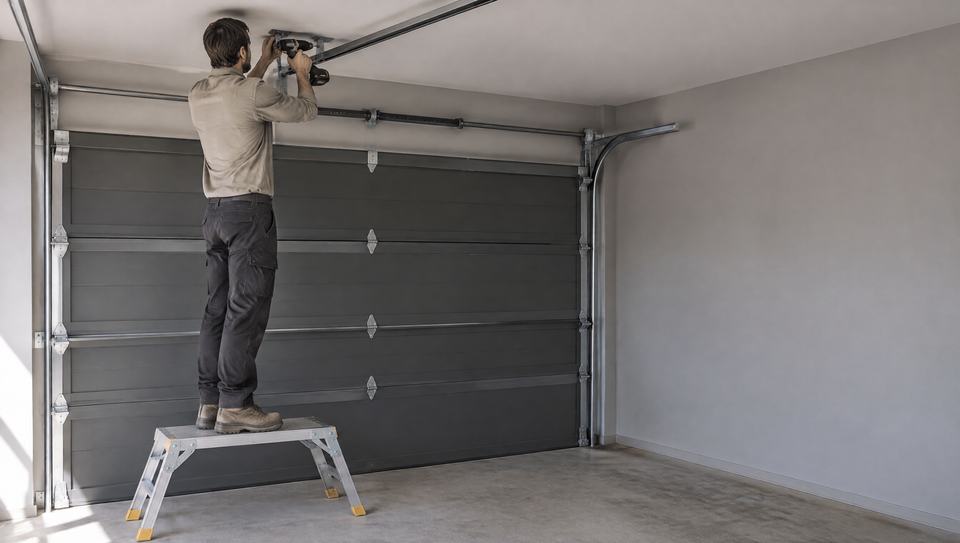
Start with the kind of door you have. Dominator makes its Select, Secure, Smart and Smart Pro openers for sectional and tilt doors, and its Excel opener for roller doors. Merlin splits its New Zealand range the same way, with Commander openers for sectional doors and SilentDrive and WeatherDrive openers for roller doors.
Then think about weight and size. Dominator rates the Smart Pro for doors up to 300kg and the Smart and Secure for doors up to 235kg, all for doors up to 18m2. A heavy timber door, or one that has had insulation added, may need the stronger model.
Dominator warns that insulating an existing door adds weight, so the door has to be weighed and fitted with new springs. If that step is missed, it says the opener will not last as long and its safety reverse may not work as expected.
The power point on the ceiling
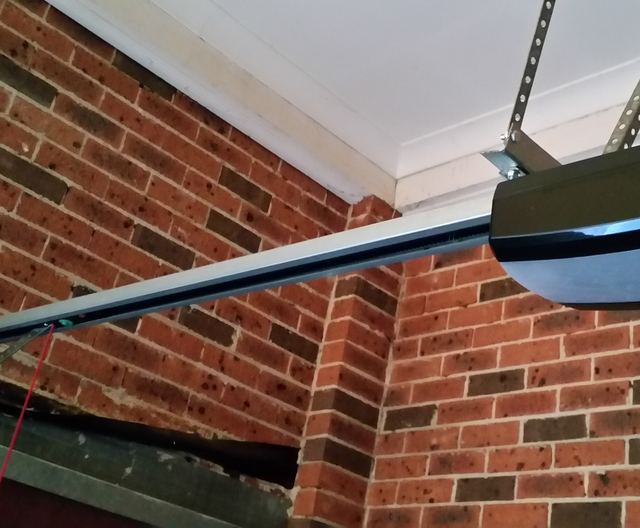
Dominator's installation manual asks for a properly earthed 3-pin power point on the ceiling, within arm's length of the opener, put in by a qualified electrical contractor. If your garage already has one in the right place, that part of the job is done.
If it doesn't, the new power point is fixed wiring. The Electrical Workers Registration Board says only registered and licensed electrical workers can carry out or supervise that kind of work, and they must give you a Certificate of Compliance for a new power point. Tell us whether there is a power point near the ceiling when you pick the job, so the door specialist knows before they ring.
Safety features to ask about
- Obstruction reversing: Dominator says its openers notice when the door strikes something, then stop and go back up.
- Safety beams: Dominator's manual says beams must be fitted when the closing force at the bottom edge passes 400N (40kg), or when a phone can run the door while it is out of sight. The beam sits 100mm above the ground.
- A wall button up high: at least 1.5m off the floor, where you can watch the door close, with the manual release handle lower than 1.8m.
- Battery backup: an option on Dominator openers that keeps the door running when the mains power is off, although the phone app still needs Wi-Fi.
- Phone control: built into Dominator's Smart opener; its other openers take a Smartphone Control Kit.
A reversing test once a month
Dominator's manual says to check every month that the door reverses when it touches a 40mm high object on the floor, such as a block of timber. B&D NZ says that if a closing door cannot reopen when something blocks it, stop using it and call a service agent.
What you can check yourself
You can
- Put a fresh battery in the remote and try the wall button
- Make sure the opener is plugged in and switched on at the wall
- Run the monthly reversing test with a block of timber
- Every three months, unplug the opener and feel how easily the door moves by hand, as Dominator suggests
Leave to a door specialist
- Fitting, programming or swapping the motor
- Anything to do with the springs, cables or drums
- A door that jams part way or has come off its track
- Any new power point or hard wiring, which is a licensed electrician's job

What we would do
Before you choose a motor, find out how healthy the door is. Dominator's opener warranty expects a door that opens and closes by hand with no more than 20kg of force, and B&D NZ gives 15kg for roller doors. A door that drags by hand wears out a new opener quickly, so mention it and the door specialist can look at the door and the motor together.